Two Apps Solving One Problem
Ask a restaurant manager what tools they use to run their team and you'll usually hear two names from two different categories.
The first is a scheduling app — something to build shifts, post the rota, handle time-off requests, and let staff swap shifts. The second is an SOP tool — a place for checklists, training docs, and the standard operating procedures that keep service consistent.
Two subscriptions. Two logins. Two apps your staff have to download and remember. But step back and look at what they're actually for, and you'll notice they're solving the same underlying problem from two angles: making sure the right person does the right thing, the right way, at the right time.
Scheduling answers who and when. SOPs answer how. Splitting them across two tools is an accident of how the software market evolved — not a reflection of how restaurants actually work.
What Each Tool Does Well
To understand why consolidating makes sense, it helps to name what each side does.
Staff scheduling, done right
A good restaurant scheduling system covers:
- Shift building — drag-and-drop rotas, templates for recurring weeks
- Availability — staff set when they can and can't work
- Time-off requests — submitted and approved in one flow
- Shift swaps — staff trade shifts with manager approval, instead of frantic group-chat messages
- Labor visibility — who's scheduled, how many hours, against your demand
This is what apps like 7shifts, Homebase, Sling, and When I Work are built for, and they do it well. The gap is that scheduling tells your team when to show up — and then goes quiet about what to do once they're there.
SOPs, done right
Standard operating procedures are the written rules for routine tasks: how to greet and seat a guest, how to handle an allergen request, the exact steps for closing the bar, how room service plates and delivers an order. Good SOP software makes those procedures:
- Accessible on a phone — not buried in a binder nobody opens
- Versioned — staff always see the current procedure, not last year's
- Acknowledged — managers can see who has read and signed off on each version
- Searchable — a new hire can find the answer mid-shift instead of guessing
Tools like Xenia, SafetyCulture, and MaintainX specialize here. The gap is the mirror image of scheduling: SOPs tell your team how to do the job, but have no idea who is on shift to do it.
Why the Split Hurts
When scheduling and SOPs live in separate apps, the seams show up exactly where it matters most.
Onboarding takes twice as long
A new server has to be added to the scheduling app and the SOP app, with two sets of credentials, two apps to install, and two interfaces to learn before their first shift. Multiply that across the turnover rates the hospitality industry actually runs at, and the admin overhead is real.
Compliance and shifts never line up
You want to know that the person closing the bar tonight has actually acknowledged the current closing procedure. In a split system, that's a manual cross-check between two dashboards. In a unified system, it's one view: here's tonight's schedule, here's who's signed off on the relevant SOPs.
Training context is lost
The best moment to surface a procedure is right when someone is scheduled for the role it applies to. If a new hire is on the rota for their first solo room-service shift, that's exactly when the room-service SOP should be in front of them. Two disconnected apps can't make that connection. One platform can.
You're paying two margins for one job
Both apps are priced to be profitable on their own. Consolidating the same capability into one platform means one subscription instead of two — a theme we explore across the whole stack in the hidden cost of your restaurant software stack.
What Consolidation Looks Like in Practice
Picture the same restaurant running scheduling and SOPs in one platform:
- A new hire is added once. They get one login that shows their shifts and the procedures for their role.
- The manager builds next week's rota. Staff get notified, request swaps, and submit time-off — all in the app they already have.
- When a procedure changes — a new allergen protocol, an updated closing checklist — it's pushed to everyone, and the manager can see acknowledgements roll in.
- Before a shift, staff see both when they work and how the relevant tasks are done, in the same place.
- Management gets one view of labor and compliance together, instead of reconciling two exports.
Nothing exotic — just the natural shape of how a team actually operates, instead of how two software categories happened to evolve.
The Bigger Picture: This Is Part of the Platform, Not a Bolt-On
The deepest version of this idea goes further than just merging two HR tools. The same platform that schedules your staff and holds your SOPs can also be the one taking guest orders, running your QR menu, managing bookings, and powering your AI concierge.
When that's true, the connections multiply. Ordering data reveals your real demand curve, so you schedule to actual sales. The SOP for handling a special request lives next to the order screen where the request comes in. The whole operation — guest-facing and back-of-house — runs on one source of truth.
That's the case we make for all-in-one restaurant management software: scheduling and SOPs aren't two products to bundle, they're two features of one system.
Does Every Venue Need This?
If you're a single-location cafe with five staff and three procedures, a free scheduling app and a shared doc might genuinely be enough — don't over-buy.
But the moment you have meaningful turnover, multiple roles, more than one service area, or more than one outlet, the split between scheduling and SOPs starts costing you in onboarding time, compliance gaps, and subscription fees. Complex and distributed venues — resorts with multiple service zones, multi-restaurant properties, large cafes with spread seating — feel it first and hardest, because every disconnected tool multiplies across every zone and location.
How to Make the Switch
If you're running separate tools today, consolidating is less disruptive than it sounds:
- Inventory what you use — list every staff-facing app and what it actually does.
- Map the overlap — most venues find their scheduling and SOP tools share users, roles, and locations.
- Pick a platform that does both natively — not a scheduling app with a flimsy "docs" tab, or an SOP tool with a weak calendar.
- Migrate in stages — move scheduling first (immediate daily value), then bring procedures in.
- Retire the second subscription — and feel the bill drop.
The Bottom Line
Staff scheduling and SOPs were never really two different problems. One says who and when, the other says how — and your team needs both answers in the same breath, on the same phone, before the same shift.
Running them as two apps means double the logins, double the onboarding, double the subscriptions, and a permanent gap between your schedule and your standards. Running them as one platform closes that gap.
If you're juggling a scheduling app and an SOP tool, it's worth seeing both in one place. Explore the platform or start a free trial and consolidate.
Related Articles
All-in-One Restaurant Management Software: Stop Paying for 5 Separate Tools (2026)
Most restaurants run on 5+ disconnected apps for ordering, scheduling, SOPs, and bookings. Here is why an all-in-one platform saves money, time, and sanity.
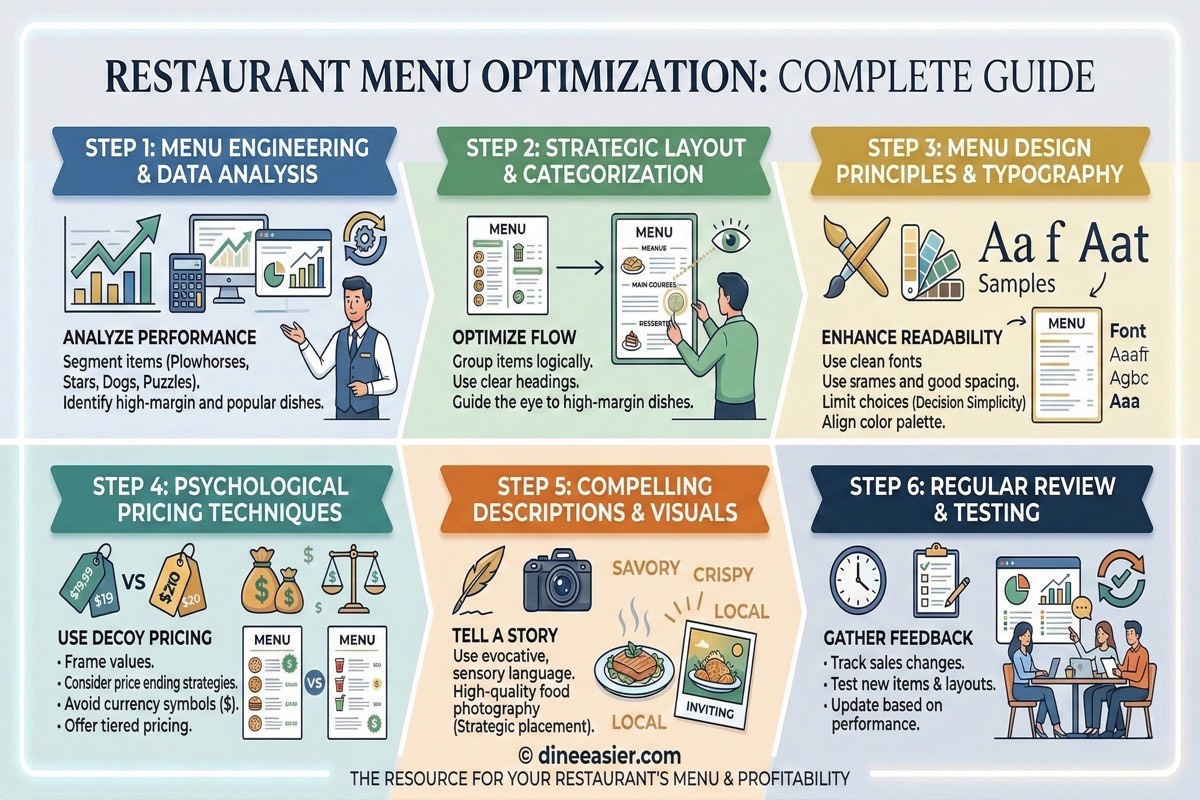
Why Dietary Tags on Your Menu Increase Restaurant Orders
Customers skip menu items they are unsure about. Dietary labels like veg, Jain, vegan, and allergen tags remove doubt, unlock group dining, and directly increase orders per table.
How Many Apps Does Your Restaurant Really Need? The Hidden Cost of Tool Sprawl
The average restaurant now runs 5-8 software subscriptions. Add up the fees, the lost time, and the broken integrations, and tool sprawl is costing you more than you think.