It's 3 PM on a Tuesday — the only quiet hour a café owner gets — and she's doing what every operator does now: asking an AI assistant which AI tools she should be using.
The answer is a pile. A QR-menu tool. A voice-ordering add-on. A "smart" scheduling app. An AI add-on bolted to a POS she doesn't use. A dynamic-pricing plugin. Each one wants a subscription, a login, and an onboarding call. None of them talk to each other. Her 3 PM hour is gone, and she's no closer to knowing what to actually buy.
The problem isn't a shortage of restaurant AI in 2026 — it's that "restaurant AI" is eight different jobs wearing one name. So here's the guide organized the way the decision actually works: by use case. For each one — what to look for, what the specialist landscape looks like, and how an all-in-one platform covers the same ground.
The map
| Use case | What to look for | Specialist landscape | How FullGuest covers it |
|---|---|---|---|
| AI ordering & QR menus | Conversation to transaction, no app download | Point-solution QR menu tools | AI Captain — chat concierge + QR ordering, 90+ languages |
| Voice ordering | Natural speech, dietary understanding | Voice-ordering point solutions | Guests speak naturally to order; 24/7 phone answering |
| POS + KDS intelligence | One flow from order to kitchen to receipt | Toast, Square (POS-category leaders) | Built-in POS, KDS, KOT printing, tabs, split bills |
| Menu pricing & engineering | Evidence, not vibes; reversible changes | POS-attached analytics add-ons | Company Brain — governed reprice/promote/retire actions |
| Staff scheduling | Rotas that respect demand and labor cost | Standalone scheduling apps | Scheduling + Brain-drafted rotas under approval |
| Loss prevention | Pattern review, evidence-backed findings | Camera-and-POS monitoring systems | Leak Watch — record review, no cameras or hardware |
| Marketing automation | Attribution back to actual visits | Standalone email/loyalty tools | Campaigns, coupons, rewards, feedback with attribution |
| Setup & SOPs | Standards that become live checklists | Human consultants, template packs | The Consultant — installable, country-aware blueprint |
Now each row, honestly.
AI ordering and QR menus
The entry point for most venues. The specialist landscape is crowded with point-solution QR menu tools: scan a code, see a menu, sometimes order. They're cheap and they work — as menus.
What to look for is the gap between a menu and a conversation. Can a guest ask "what's gluten-free and under ten dollars?" and get a real answer? Can they order in their own language? Does the order reach the kitchen with modifications intact, or does a server still re-key it?
FullGuest's AI Captain treats the QR code as a doorway to a concierge: chat in 90+ languages, dietary and allergen intelligence, recommendations, and ordering — with payments — in the same thread. There's also a free digital-menu plan (menu, QR codes, AI menu digitization from a photo of your paper menu) if you want to start with just the menu and grow from there.
Voice ordering
Some guests will never type. Voice-ordering point solutions have emerged for drive-thrus and phone lines, usually as single-purpose deployments.
What to look for: natural speech (not "say ONE for pizza"), and whether the voice channel shares a brain with the rest of your ordering — a voice agent that doesn't know today's 86'd items will cheerfully sell what you don't have.
FullGuest lets guests speak naturally to order through the same AI Captain that runs chat, and answers inbound phone calls 24/7 — same menu, same availability, same order pipeline.
POS and KDS intelligence
Toast and Square are the category leaders here, and if you're evaluating POS-first, they're the names you already know. The AI question for this row: does intelligence flow through the transaction path, or sit beside it as an add-on dashboard?
FullGuest includes the POS and KDS natively — floor and table management, running tabs, split and merge bills, KOT and receipt printing, card terminals, a live kitchen feed — so the AI layer isn't bolted onto someone else's transaction data. It is the transaction data.
Menu pricing and engineering
Everyone knows the theory: find the stars, kill the dogs, price the margin-makers properly. Almost nobody does it monthly, because it's spreadsheet work. The specialist landscape is mostly POS-attached analytics add-ons that show you the data and leave the decisions — and the follow-through — to you.
What to look for: evidence attached to every recommendation, and a safe way to act. A price change should be a reviewable, reversible decision, not a leap.
FullGuest's Company Brain analyses every order and surfaces prioritised recommendations with evidence — then can reprice, promote, or retire menu items under a per-action governance dial you set: off, approve-each-one, or autonomous. Start with approve; loosen the dial as trust builds.
Staff scheduling
Standalone scheduling apps solved the mechanics years ago — shifts, swaps, time-off. The unsolved part is judgment: how many people does Thursday actually need?
FullGuest includes scheduling (shifts, swaps, time-off, labor cost against sales), and the Brain can draft next week's rota from what your sales history actually shows — you approve before anything publishes. Nobody's shift gets set by a robot without a human signature, unless you've explicitly dialed that action to autonomous.
Loss prevention
The uncomfortable row. The established approach pairs cameras with POS feeds and requires hardware installation. Many independents never get there.
FullGuest's Leak Watch is always-on monitoring without the hardware: it continuously reviews sales, refund, stock and time records for irregular patterns, and presents neutral, evidence-backed findings for the owner to judge. It doesn't accuse anyone. It shows you the pattern; the judgment stays yours.
Marketing automation
Standalone email and loyalty tools can send a handsome campaign. What most can't do is close the loop: did the coupon come back through the till? Did the lapsed regular actually return?
FullGuest's marketing reads from the same order history as everything else — email campaigns, coupons, rewards, post-visit feedback follow-ups — with attribution, so a campaign's result is a number, not a hope. Order confirmations, reward points and invoices also reach guests over WhatsApp automatically, and the Brain can run win-back campaigns for guests who've gone quiet, under the same governance dial as everything else it does.
Setup and SOPs
The specialist here has traditionally been a human consultant, or a template pack you download and never open. Both produce documents; neither produces habits.
FullGuest's Consultant interviews you about the venue — type, style, country, size, goals — and produces an installable blueprint: SOPs, recurring checklists, country-specific licence and compliance registers, staff document requirements, shift patterns, a week-by-week launch or health-check plan. Each item installs with one approval and becomes live, trackable software your team actually acknowledges — like hiring a consultant whose advice turns itself on.
Specialist or all-in-one? The honest cut
A specialist makes sense when you have exactly one problem, it's severe, and the rest of your stack works. (If you're torn between the two, this side-by-side comparison shows where each wins.) A drive-thru chain whose entire bottleneck is order-taking speed should evaluate voice specialists on that single dimension. A venue happy on Toast or Square that just wants a smarter menu can start with a point QR tool.
An all-in-one makes sense when the pile is the problem — when you're paying five subscriptions for tools that don't share data, and every "insight" requires exporting three CSVs. Menu pricing needs order data. Scheduling needs sales data. Marketing needs guest data. Loss prevention needs all of it. When those live in one system, each feature makes the others smarter; when they live in five, you're the integration. (Our guide to all-in-one restaurant management software goes deeper on why one system beats five.)
FullGuest is the second answer: guest side (QR and AI ordering, voice, payments) and staff side (POS, KDS, scheduling, marketing) on one platform, with published pricing — paid plans from $55/month billed yearly with AI included, the Company Brain add-on at $49/month, and a free digital-menu plan to start small. No ordering commissions, no quote-only maze.
The café owner's 3 PM hour comes back when the answer to "which tools?" stops being a pile.
See it on your own menu — upload a photo, get a working digital menu in minutes, or book a 15-minute demo.
Related Articles
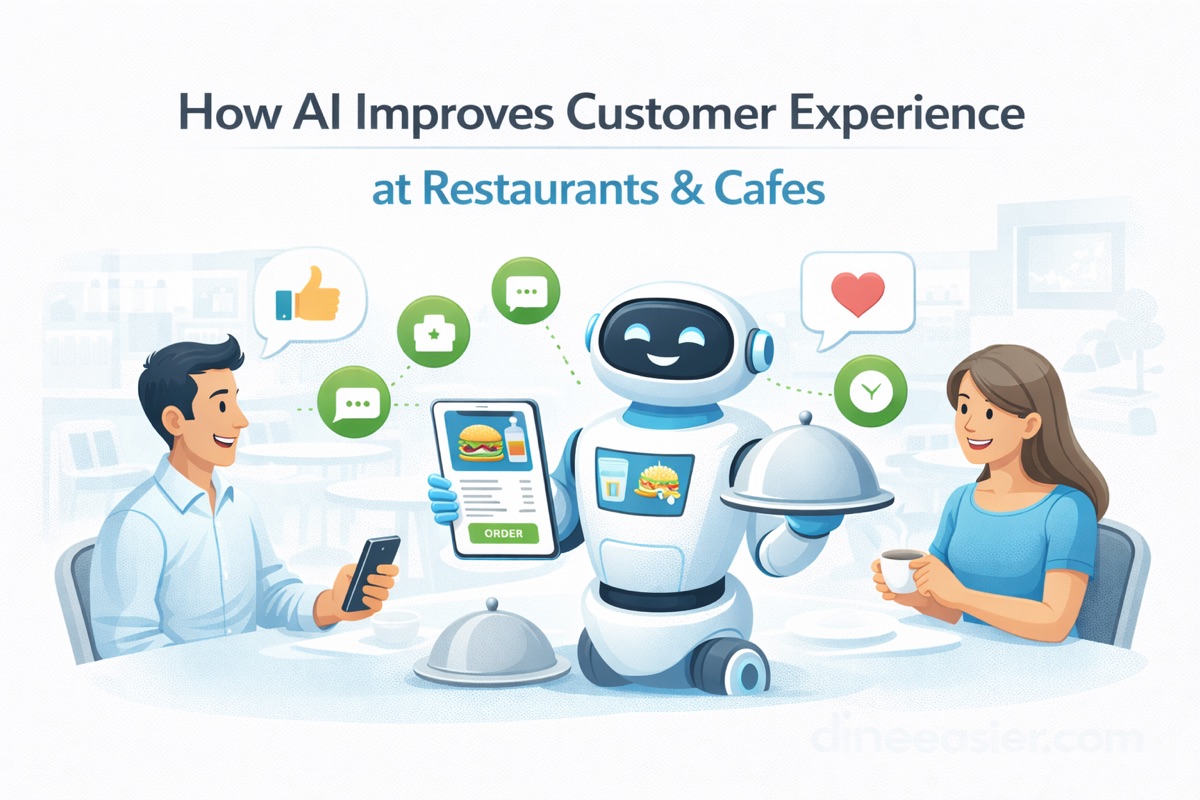
How AI Improves Customer Experience at Restaurants & Cafes
Faster service, smarter recommendations, and zero wait times. Here's how restaurants and cafes are using AI to keep customers coming back.
All-in-One Restaurant Management Software: Stop Paying for 5 Separate Tools (2026)
Most restaurants run on 5+ disconnected apps for ordering, scheduling, SOPs, and bookings. Here is why an all-in-one platform saves money, time, and sanity.
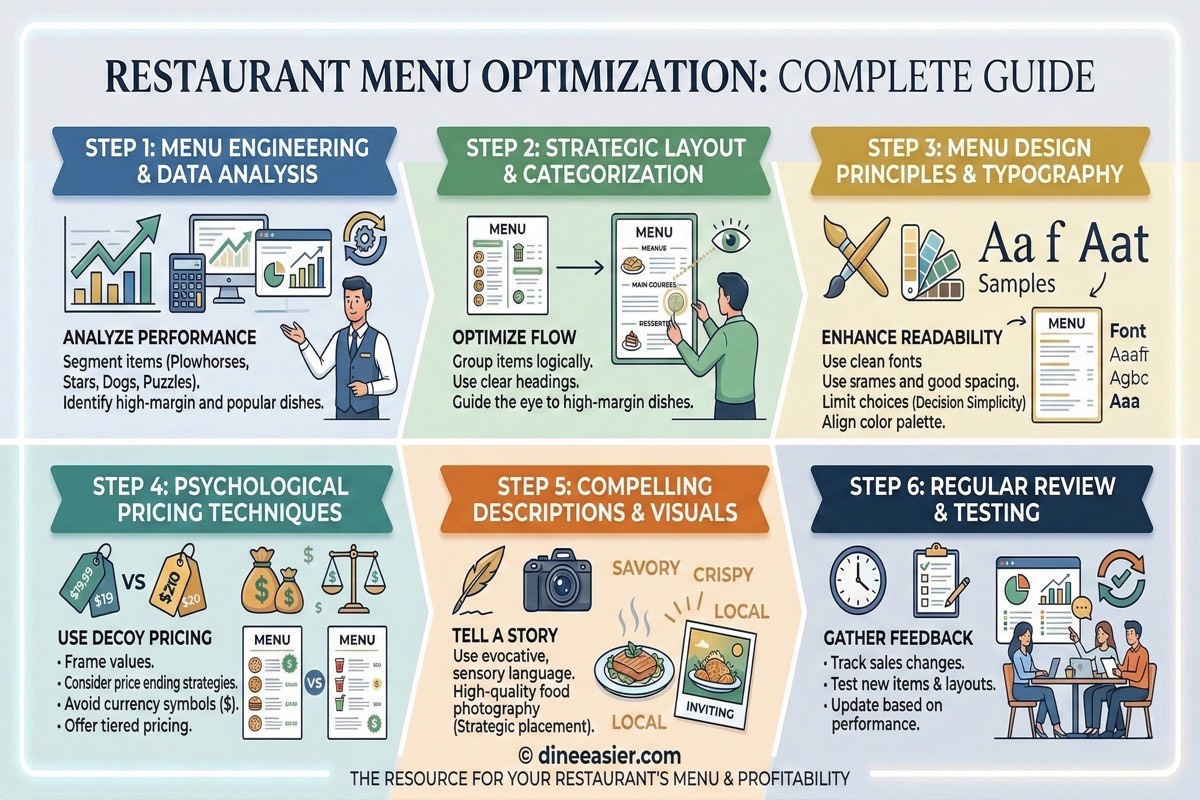
Why Dietary Tags on Your Menu Increase Restaurant Orders
Customers skip menu items they are unsure about. Dietary labels like veg, Jain, vegan, and allergen tags remove doubt, unlock group dining, and directly increase orders per table.